
Casino Joy App and Mobile Access on Android and iOS
Casino Joy Mobile Access
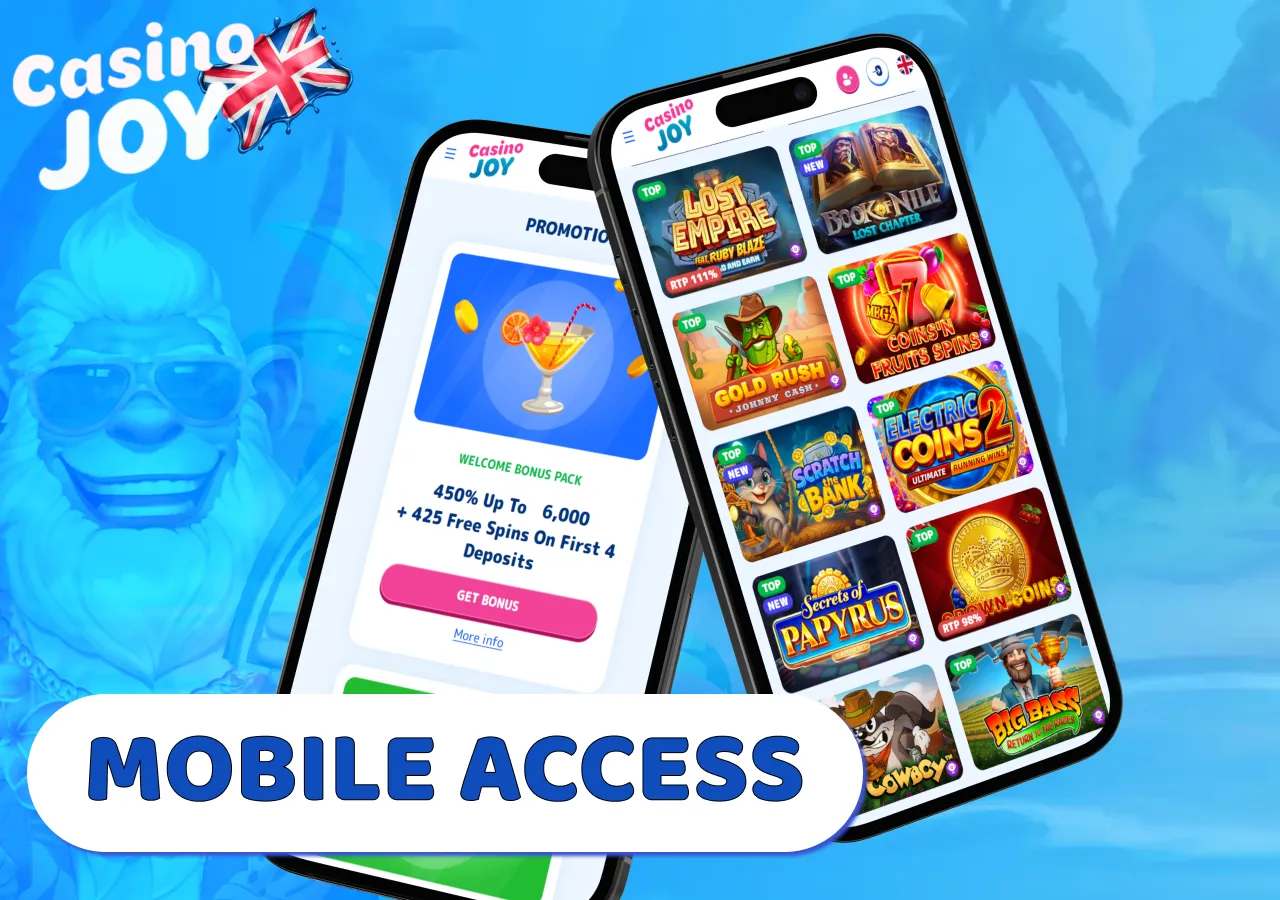
On smaller screens, Casino Joy uses mobile navigation to keep Casino, Sports, Promotions and account tools accessible without relying on desktop-sized menus.
UK accounts continue to use GBP when the cashier is opened from mobile. Promotions and payment functions are available after sign-in, while a saved home-screen icon provides a direct way to reopen the site from the device.
| Device or function | Mobile access |
|---|---|
| Android phone | Current mobile browser or home-screen shortcut |
| iPhone | Safari or another supported browser |
| iPad / tablet | Mobile browser or home-screen shortcut |
| Casino / Live Casino | Mobile version |
| Sports | Mobile version |
| Promotions | Available through account access |
| Casino Joy login | Existing credentials |
| Cashier | Available after sign-in |
A saved icon changes how the site is launched from the phone or tablet; it does not require a separate installation package.
The mobile casino experience at Casino Joy
Optimisation for mobile devices is another sign of user-friendliness, and this casino does not disappoint in this regard.
Casino Joy provides a unified account experience on desktop and mobile devices. Players can simply log in with their existing credentials to access casino and live dealer games, explore sports betting options, view promotions, update account details and handle deposits or withdrawals through the cashier.
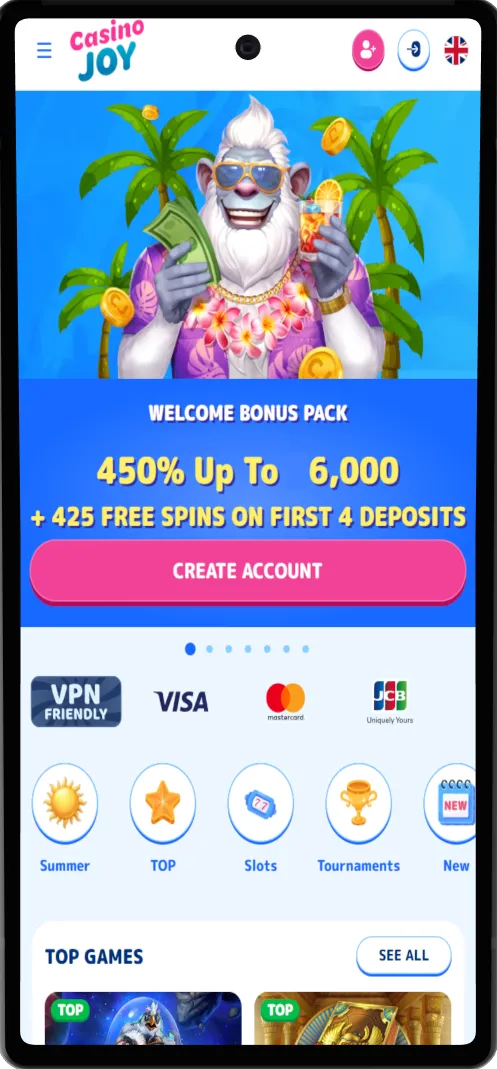
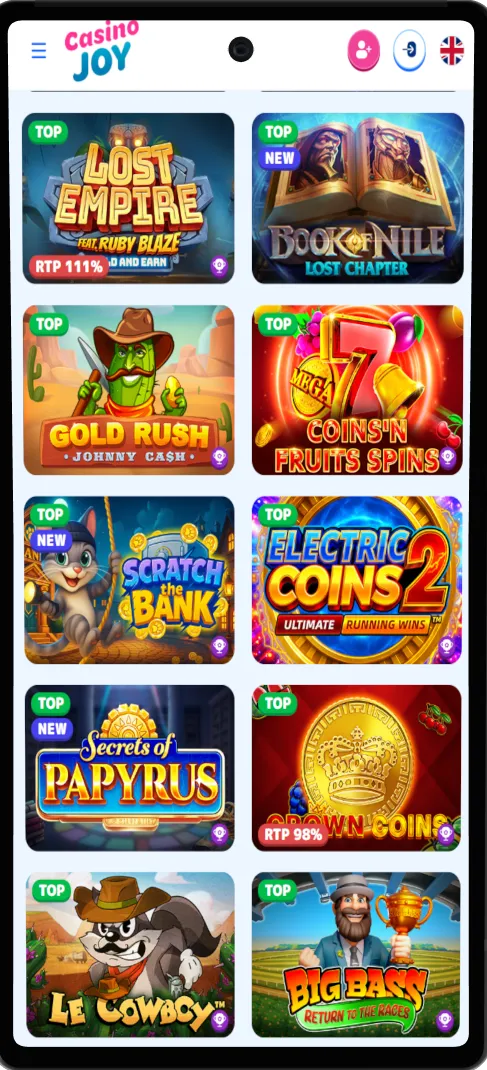
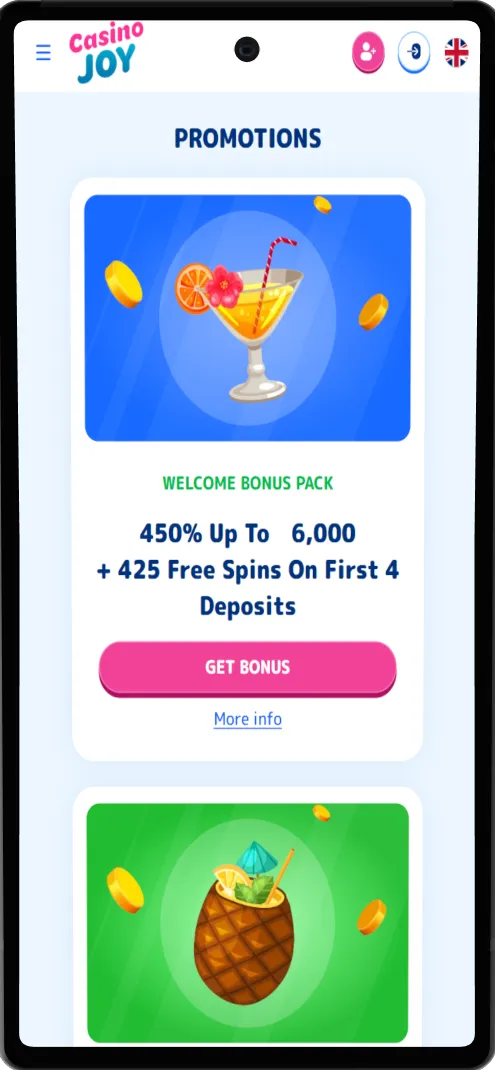
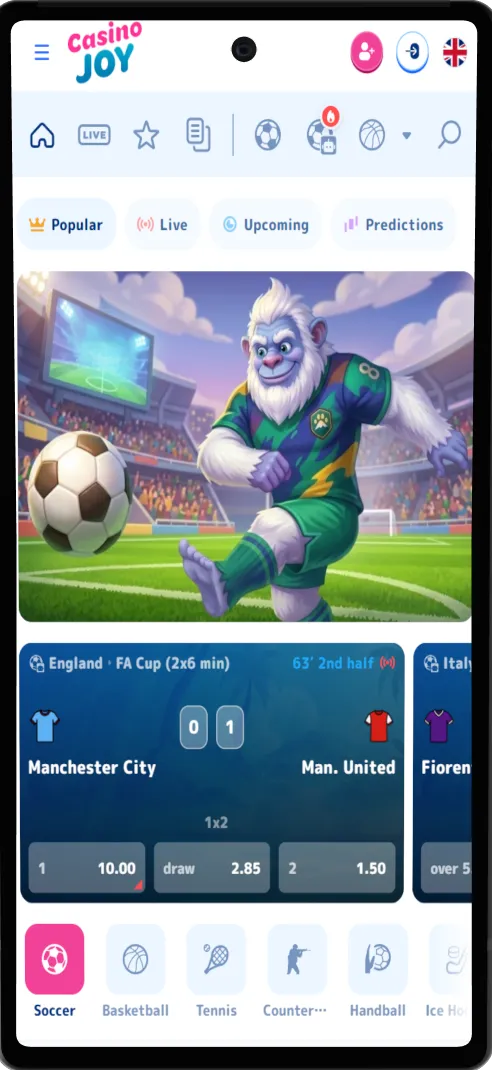
Casino Joy App for Android
Android access works through a current mobile browser supported by your device. Open Casino Joy, select Sign In and enter the credentials registered to your account.
- ANDROID
You can also add the site to your Android home screen:
- Open Casino Joy in your mobile browser.
- Open the browser menu.
- Select Add to Home Screen when the option is available.
- Confirm the shortcut.
The saved icon opens the mobile site directly from the Android home screen. It does not require APK installation permissions, and you do not need to enable installation from unknown sources.
Is a Casino Joy APK Required?
No. A Casino Joy APK is not required for Android access.
Casino Joy currently provides access through the website. Files offered as Casino Joy APK downloads by unrelated third-party websites should not be treated as an official installation route.
Using the site directly also means Android access does not depend on an installation package or manual APK update process.
Casino Joy App for iPhone and iPad
On iPhone and iPad, Casino Joy is accessed through the mobile version of the website. Open the site in Safari or another supported browser and sign in with your registered account details.
Casino, Live Casino, Sports, promotions, rewards and payment functions are available through the mobile navigation.
- IOS
You can add Casino Joy to the iPhone or iPad home screen:
- Open Casino Joy in Safari.
- Tap Share.
- Select Add to Home Screen.
- Confirm the shortcut.
The resulting icon provides a direct route to the website. It is a Safari home-screen shortcut rather than an App Store installation.
The icon can be removed or created again at any time. Casino Joy remains accessible directly through Safari or another supported browser.
Casino Joy Login on Mobile
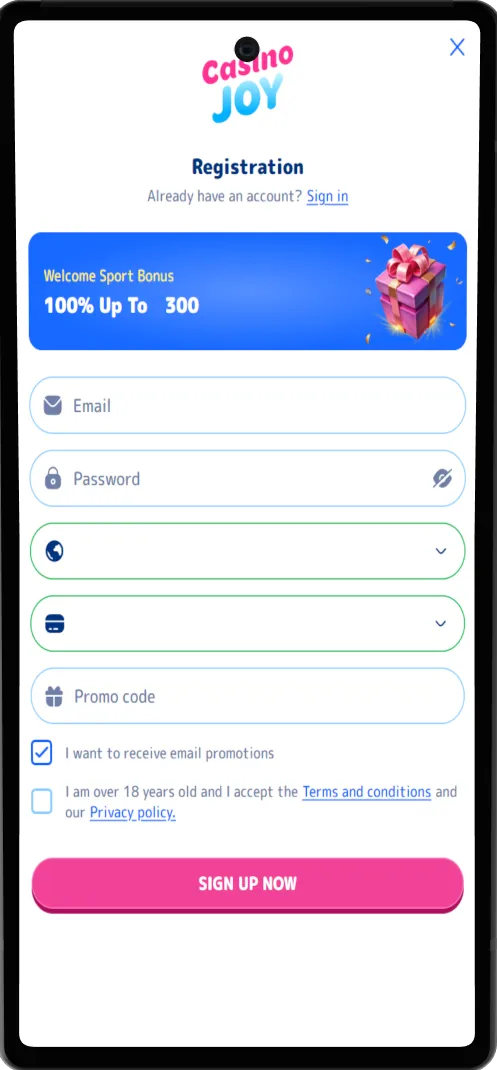
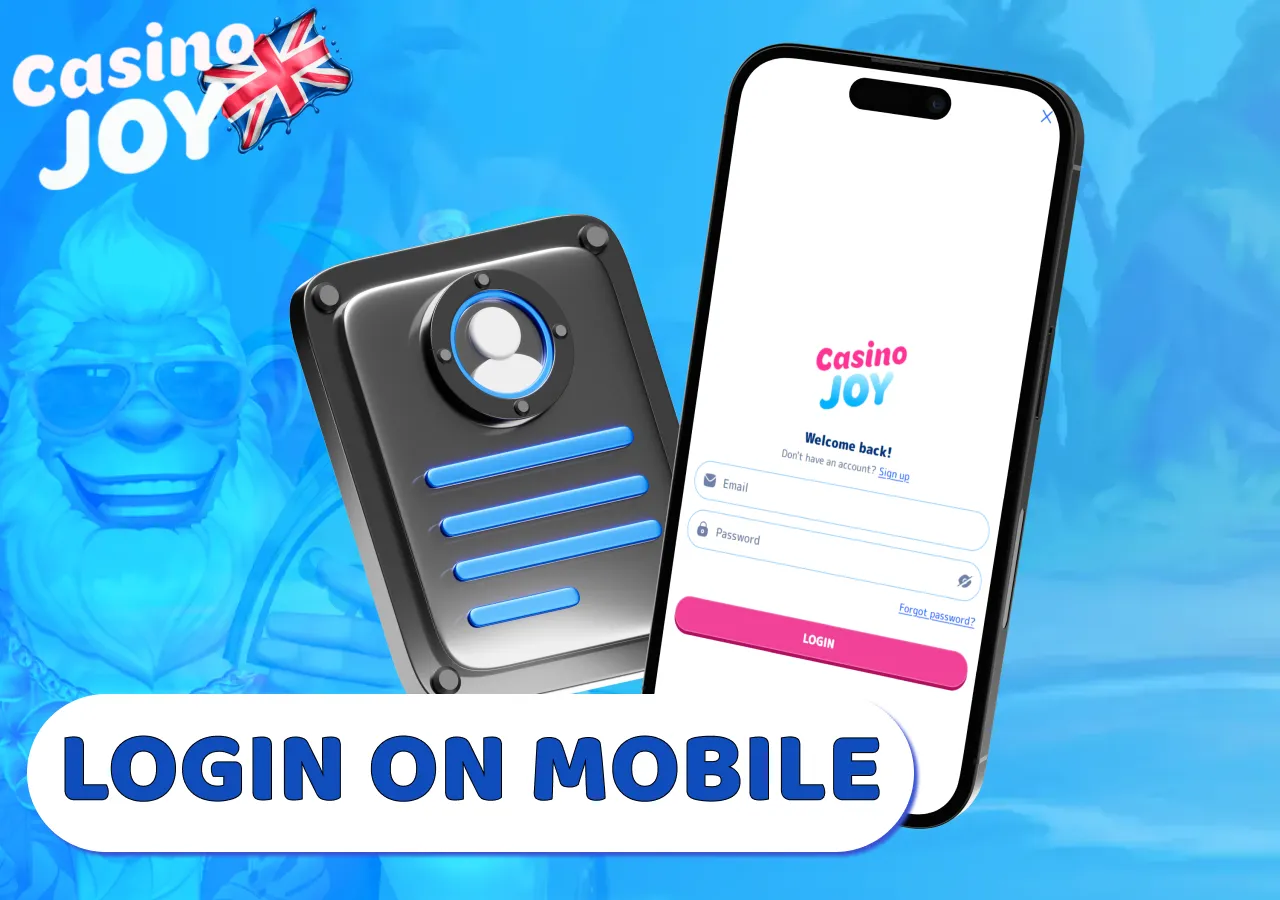
Select Sign In from the mobile navigation and enter the credentials associated with your Casino Joy account.
After login, you can access your balance, promotions, Casino Joy Coins, achievements, tournament progress, VIP status, transaction information and cashier.
You can sign in on another phone or tablet with the same Casino Joy credentials because your account information is connected to the registered profile rather than to one device.
If your password is no longer accepted, use the recovery option on the sign-in page. If verification is requested, follow the steps shown in your account after signing in.
For additional account help, use live chat or contact [email protected].
Casino and Sports on Mobile
The mobile version provides access to both casino games and sports betting from a phone or tablet.
The casino lobby includes Slots, New, Recommended, Bonus Buy, Hot, Live Casino, Jackpot, Table Games and Minigames. Search and category filters make it easier to locate a title without moving through the full catalogue on a smaller screen.
After opening a game, you can return to the lobby through the navigation and select another category or title. Live Casino has its own section for available roulette, blackjack, baccarat and poker tables.
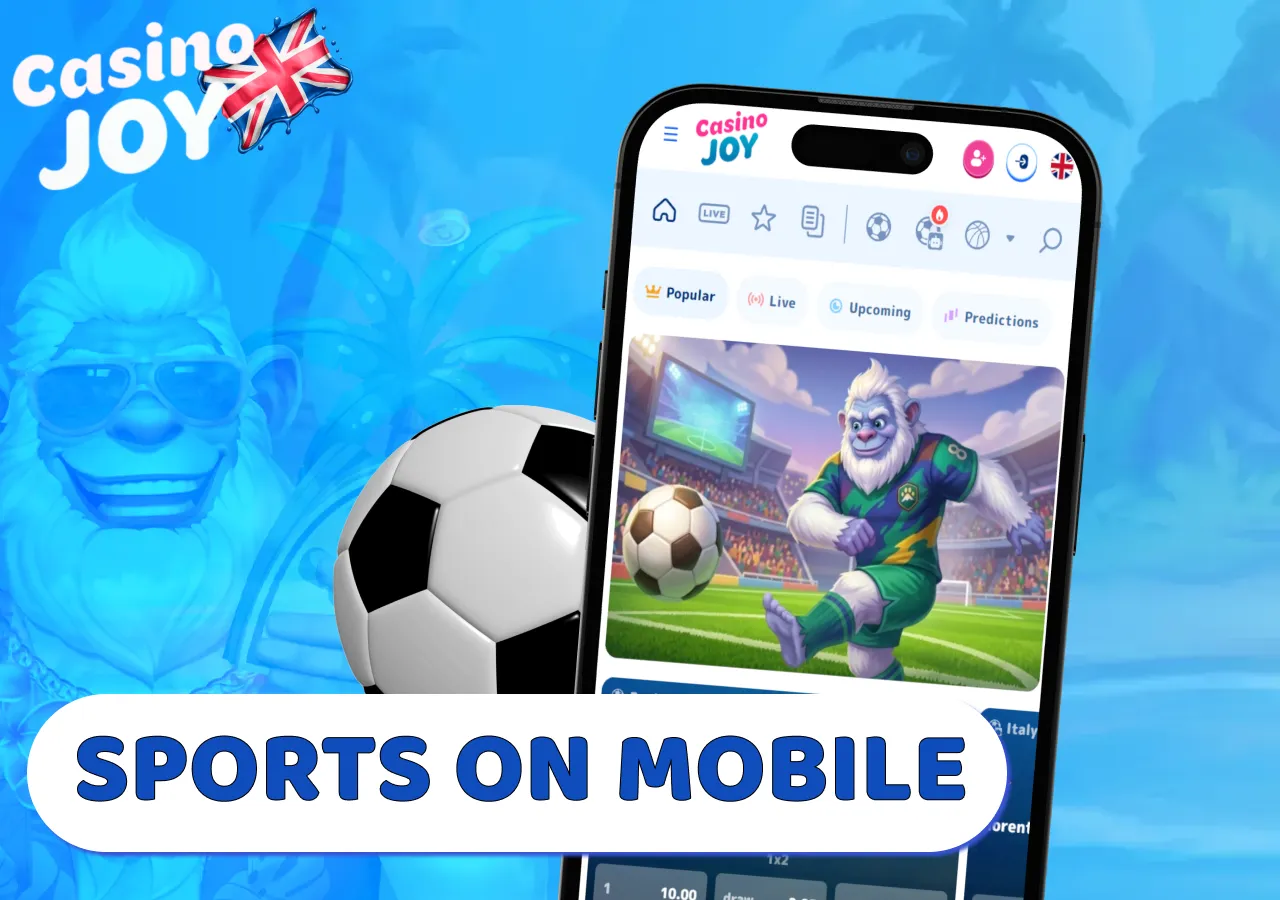
The sportsbook includes Popular, Live, Upcoming and Predictions sections. Sports in the menu include football, basketball, tennis, ice hockey, eSoccer, Formula 1, volleyball and other available events.
You can switch between upcoming and live events, select an available market and add it to the betslip. Single, Combo and System selections are supported, allowing you to review selected markets and the stake before submitting a bet.
Payments and Promotions on Mobile
Deposits, withdrawals and transaction history are available through the signed-in Casino Joy cashier. UK accounts continue to use GBP when payment functions are opened from a phone or tablet.
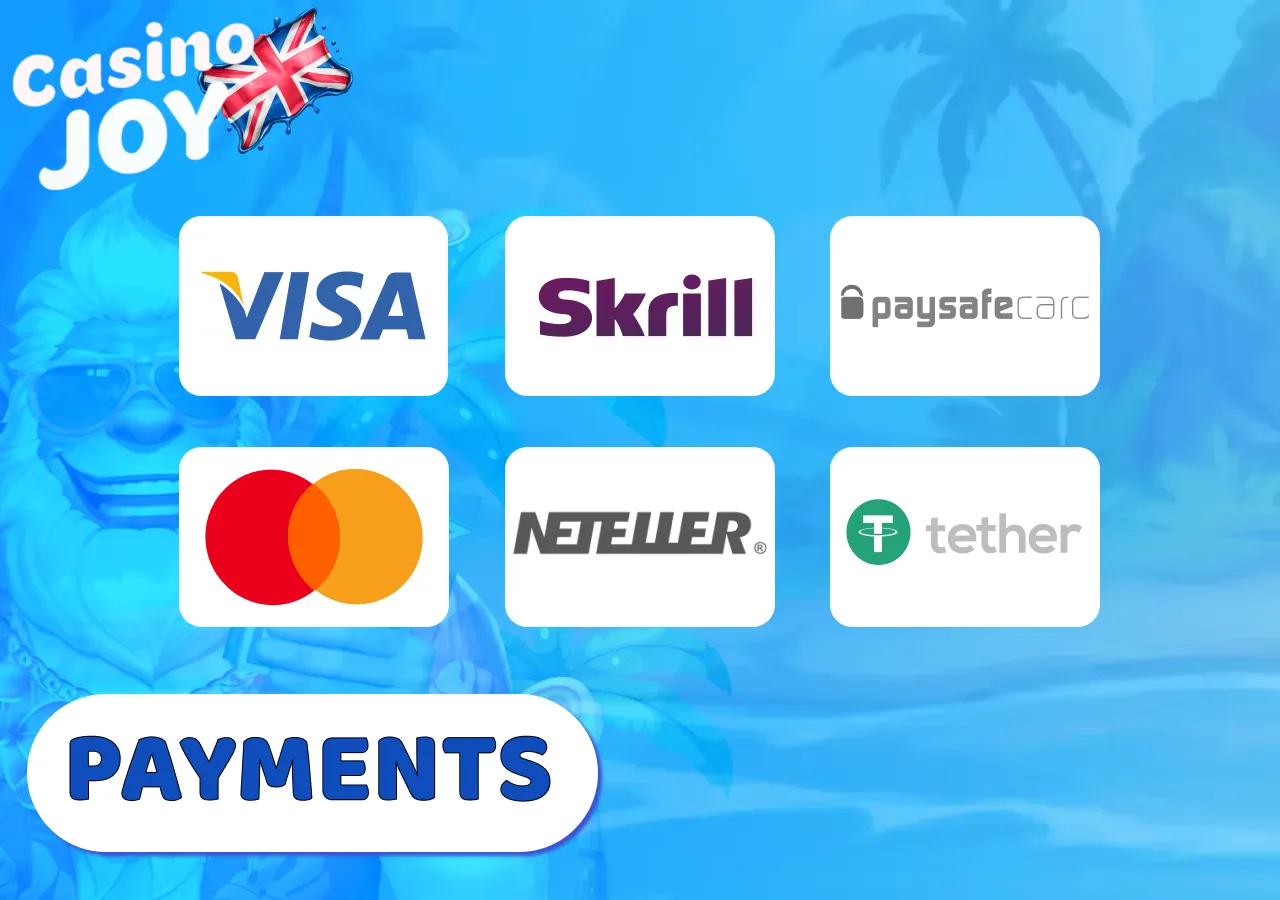
Deposit methods include Visa, Mastercard, Neteller, Skrill, Paysafecard, Trustly and Bank Transfer. The standard payment minimum starts from £10, while individual payment methods can have their own limits.
| Function | Mobile use |
|---|---|
| Deposits | Available through the signed-in cashier |
| Withdrawals | Requested through the same cashier |
| Verification | May be required before a payout |
| Account currency | Same currency selected for the account |
| Transaction history | Available after sign-in |
| Promotions | Opened through the account and promotions sections |
Payment or identity verification can still be required when a transaction is requested from a phone or tablet.
Transaction history can be reviewed before another payment request is submitted, which is particularly useful when the status of an earlier deposit or withdrawal is still being processed.
Casino Joy bonuses, cashback, the Daily Bonus Map and other promotions can also be opened from mobile. Wagering requirements and eligibility rules remain attached to each promotion.
Casino Joy Mobile Website vs Home-Screen Shortcut
Casino Joy can be opened directly through a web browser or from an icon saved to the device home screen. Both routes lead to the same mobile site.
| Feature | Mobile browser | Home-screen shortcut |
|---|---|---|
| Installation | No | No native installation |
| Launch | Open through browser | Open directly from home screen |
| Account | Existing Casino Joy account | Existing Casino Joy account |
| Account currency | Existing account currency | Existing account currency |
| Updates | Automatic website version | Automatic website version |
| APK / App Store | Not required | Not required |
The main difference is how Casino Joy is launched. Removing or recreating the saved icon does not prevent you from accessing the website directly.
A shortcut is therefore useful for quicker access but is not required for any casino, sportsbook or account function.
Casino Joy App Updates and Latest Version
The current Casino Joy mobile version loads automatically when you open the website. Changes made to the site therefore appear without a separate application package being installed.
Cached data can occasionally cause an older page or interface element to remain visible after an update. Reload the page first. If the previous version remains on screen, close and reopen the session.
Stored site data can also be cleared when cached content continues to load incorrectly. Recreating a home-screen icon is normally unnecessary because an existing shortcut continues to point to the same Casino Joy address.
Clearing stored browser data may require you to sign in again the next time the site is opened, so make sure you still have access to your registered credentials.
Fixing Casino Joy Mobile Access Problems
Problems can affect the website, an individual game, login or cashier separately. Identifying which part is affected helps avoid unnecessary account or payment actions.
-
Casino Joy Mobile Site Does Not Load
First test whether another website opens on the same device. If the connection works elsewhere, reload Casino Joy and reopen the current session.
Switching between Wi-Fi and mobile data can help identify whether the issue is limited to one connection. If the page loads but appears incomplete or outdated, clearing stored site data can help retrieve the current version. -
A Casino Game Does Not Open
Return to the casino lobby and try another title. If other games work, the issue may be limited to the affected game rather than the entire site.
Reload the game once before starting another session. If the issue affects a completed game round or its result, keep the game name, stake and approximate time available when contacting support. -
Casino Joy Login Problems
Check that you are using the credentials registered to your existing Casino Joy account. If the password is not accepted, use the recovery option on the sign-in page.
Do not create a second profile to recover access to the first one. Verification or account-specific restrictions should be resolved through the existing account or customer support. -
Casino Joy Cashier Does Not Open
Close the current cashier page and open it again through the signed-in account navigation.
If the rest of the site works, restart the session and return to the cashier. Account verification or payment restrictions can also prevent a transaction from proceeding normally.
For a transaction that has already been submitted, confirm its status before attempting the same deposit or withdrawal again.
If the cashier remains unavailable, contact live chat or [email protected] with the relevant payment or error details.
Casino Joy App FAQ
-
Is Safari required to use Casino Joy on iPhone or iPad?No. The Add to Home Screen steps on this page use Safari, while Casino Joy itself can also be opened through another supported browser.
-
Can I open Casino Joy promotions on mobile without signing in?Promotion and account-specific functions are available after sign-in. Once signed in, available bonuses, cashback and the Daily Bonus Map can be opened from a phone or tablet.
-
Can I check my Casino Joy transaction history from a phone?Yes. Transaction history is available after sign-in and can be reviewed before another deposit or withdrawal request is submitted, including when an earlier transaction is still being processed.
-
Does using Casino Joy on mobile change my account currency?No. Mobile access uses the currency already selected for the Casino Joy account. UK accounts continue to use GBP when payment functions are opened from a phone or tablet.
-
Can I complete Casino Joy account verification from mobile?If verification is requested, follow the steps shown in your account after signing in. Payment or identity verification can also be required when using the mobile cashier for a transaction.